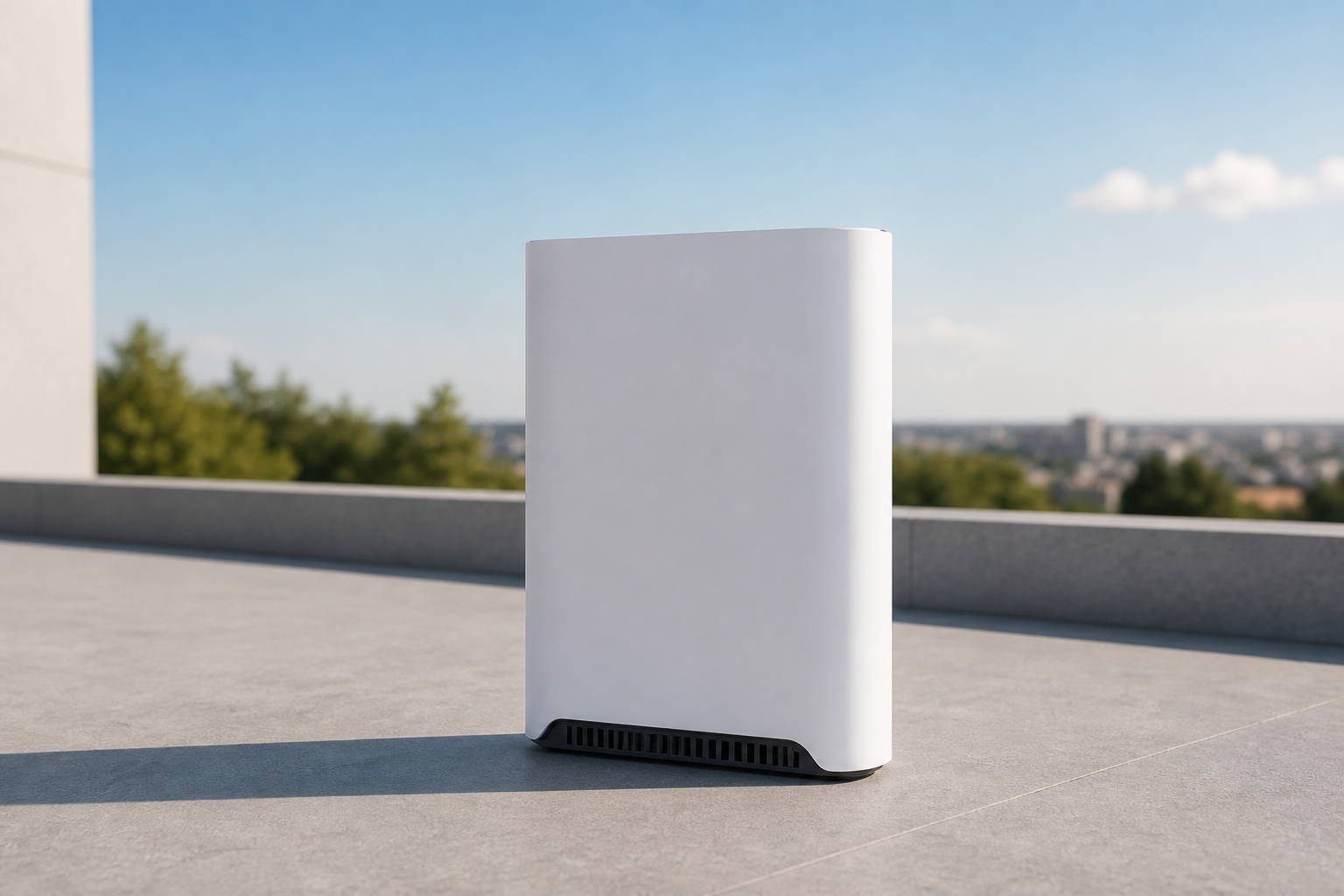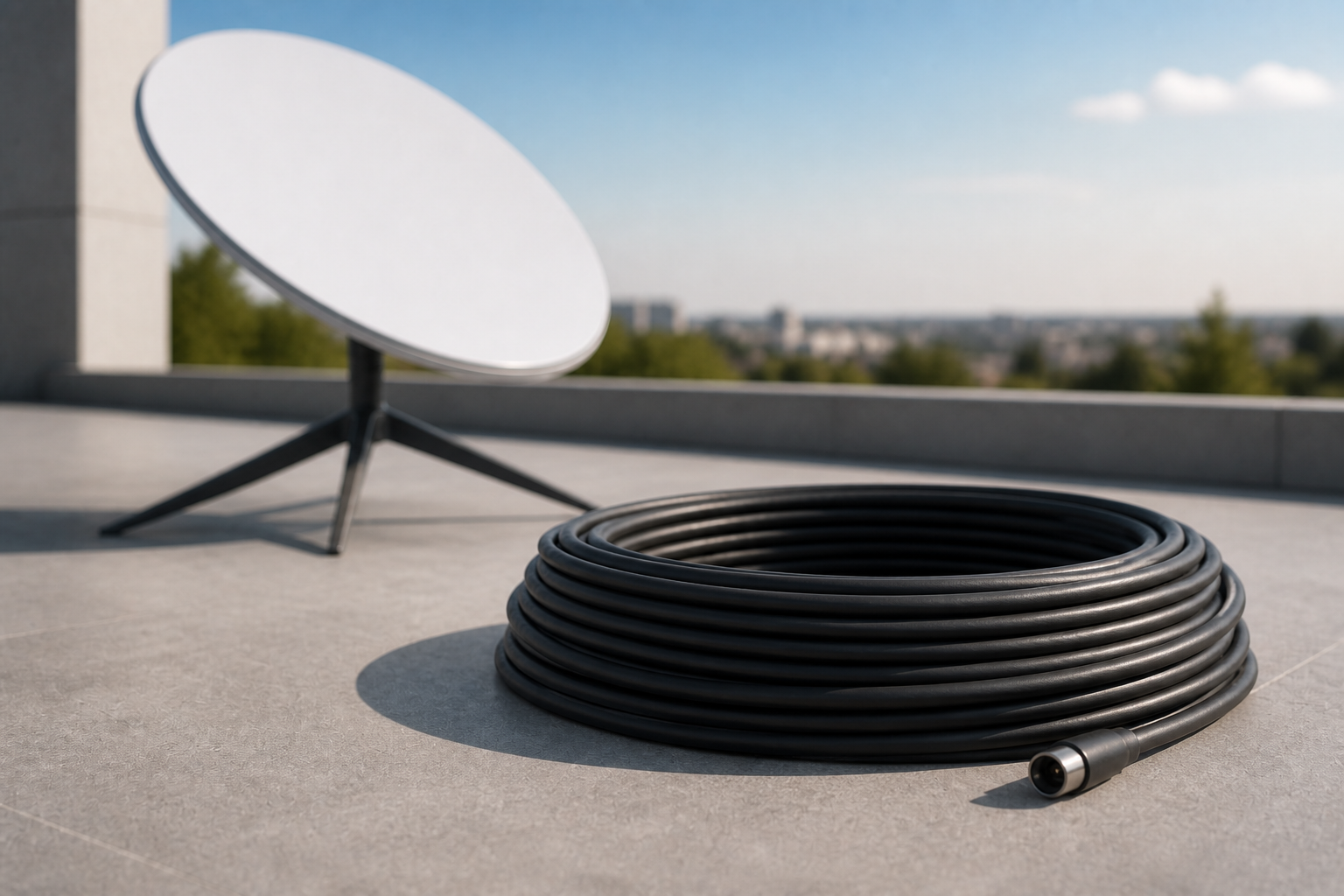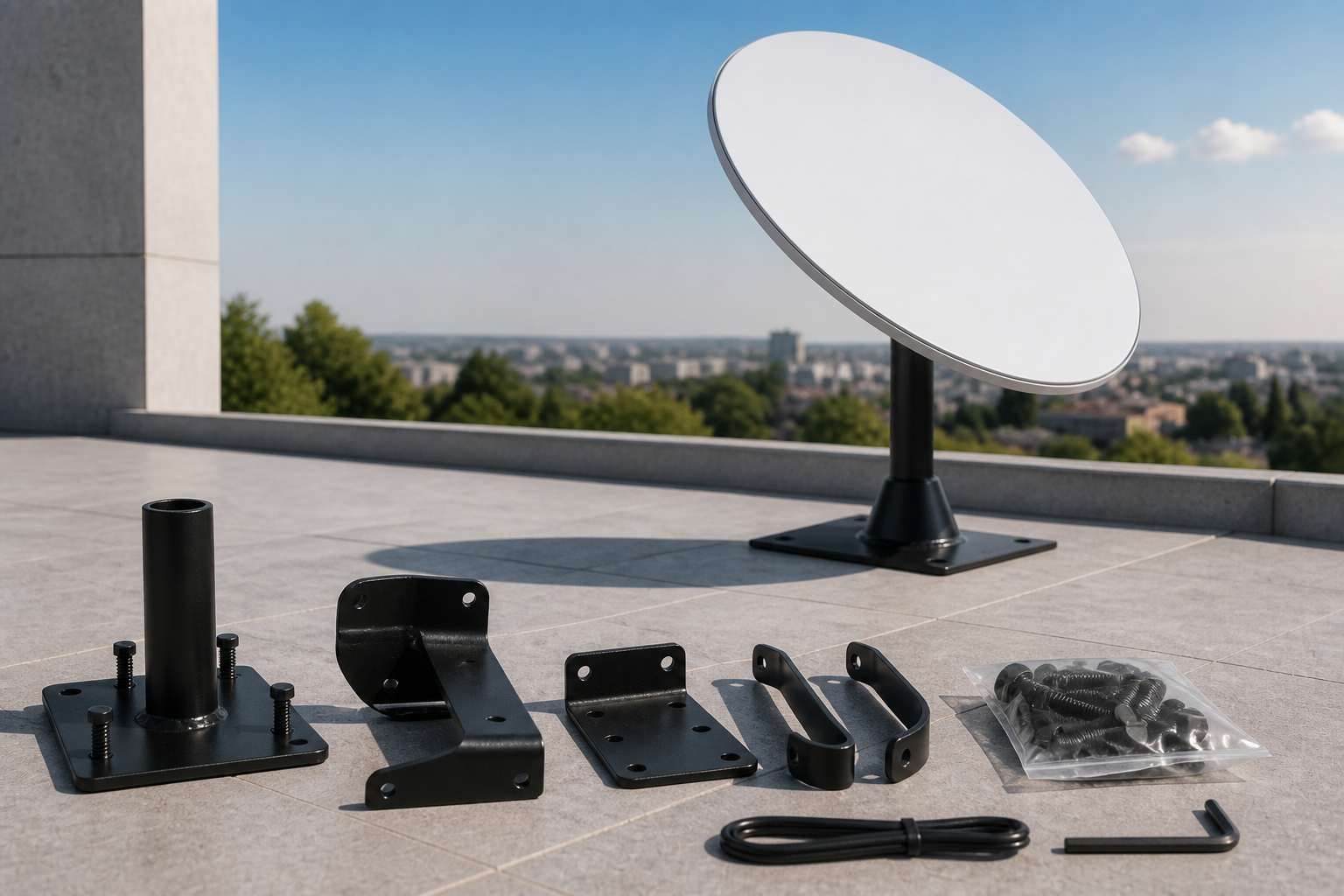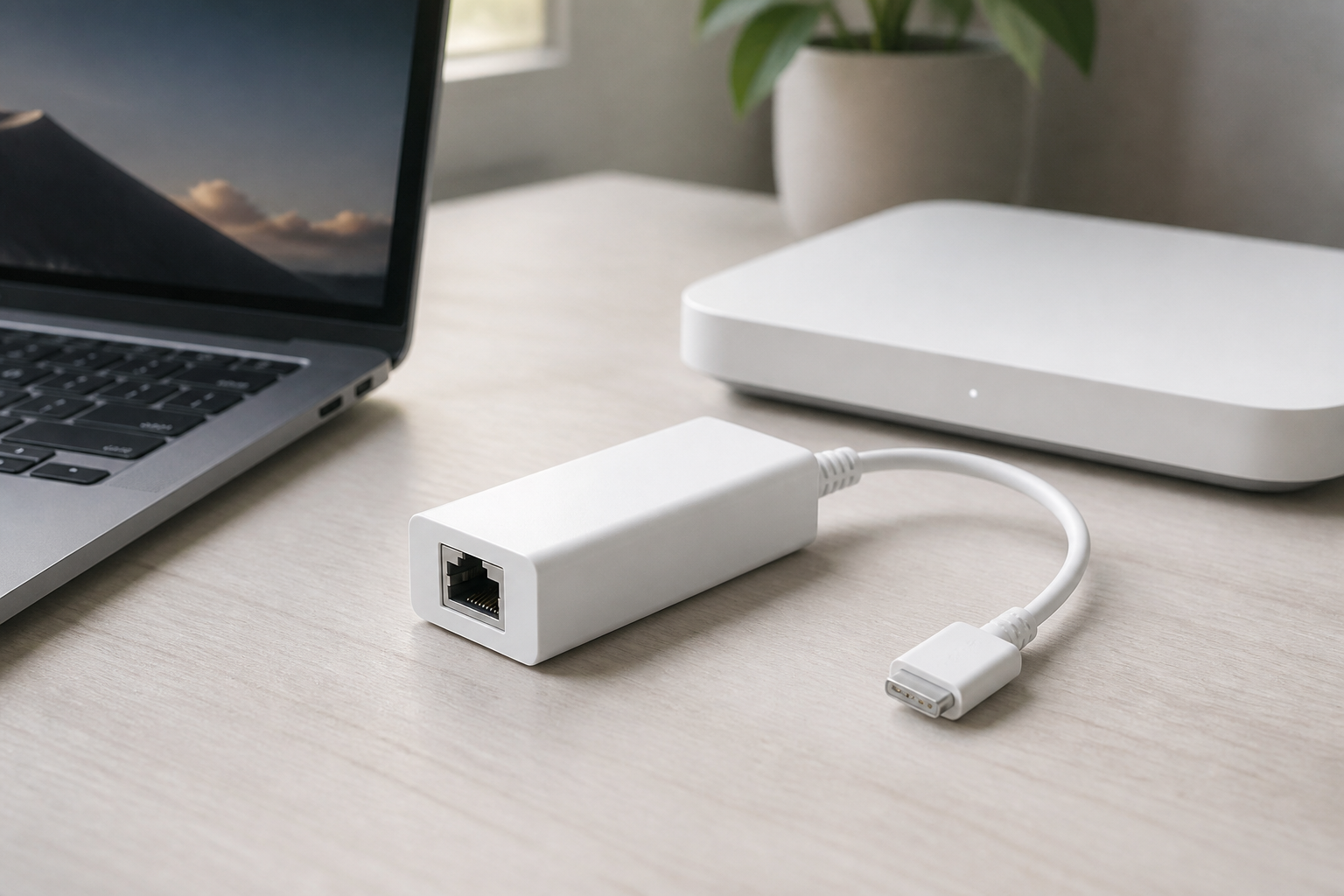
Buy Starlink Ethernet adapter
When a video call, camera, or work PC needs a stable link, the Ethernet adapter connects the device by cable to Starlink — without relying on busy Wi-Fi.
This price is for the listed item. The model, box contents, and destination are reviewed before dispatch; delivery cost and timing depend on the destination.
- ✓ Authenticity and compatibility check before dispatch
- ✓ Crypto payment with precise QR and dedicated address
- ✓ Dedicated tracking code and email status updates
Check before placing your order
Match your kit's exact generation and model to this page's compatibility section. A similar cable, mount, or router name does not mean it works with every generation.
Who it is for
Home office, cameras, a switch, wired gaming, or anywhere Wi-Fi is congested.
Key details
- Ethernet port for a wired device
- For home and business kits
- Installs between the Starlink network path and your device
Capabilities
- A stable link for work and calls
- Connect a switch or several wired devices
What's in the Box
- ✓ Starlink Ethernet adapter
Install & setup — step by step
Follow these steps to install and connect this accessory.
- Place the adapter between the dish/router path and your device per the kit guide.
- Plug a network cable into the PC, switch, or camera.
- If needed, enable automatic IP in the app or on the device.
- Run a wired speed test and compare it with Wi-Fi.
How to mount and start Starlink
Choose a walkthrough below, then follow the steps for your kit: open sky, secure the mount, connect cable and power, and finish in the Starlink app.
Service configuration & activation
See how this works with a compatible kit and plan.
The adapter does not change satellite speed; it only stabilizes the indoor path.
Frequently asked questions
- Is this a mesh router?
- No. Mesh is for phones and laptops. Ethernet is for cabled devices.
- Does it work with Mini?
- Depends on Mini ports; if there is no native Ethernet, this adapter creates a wired path.