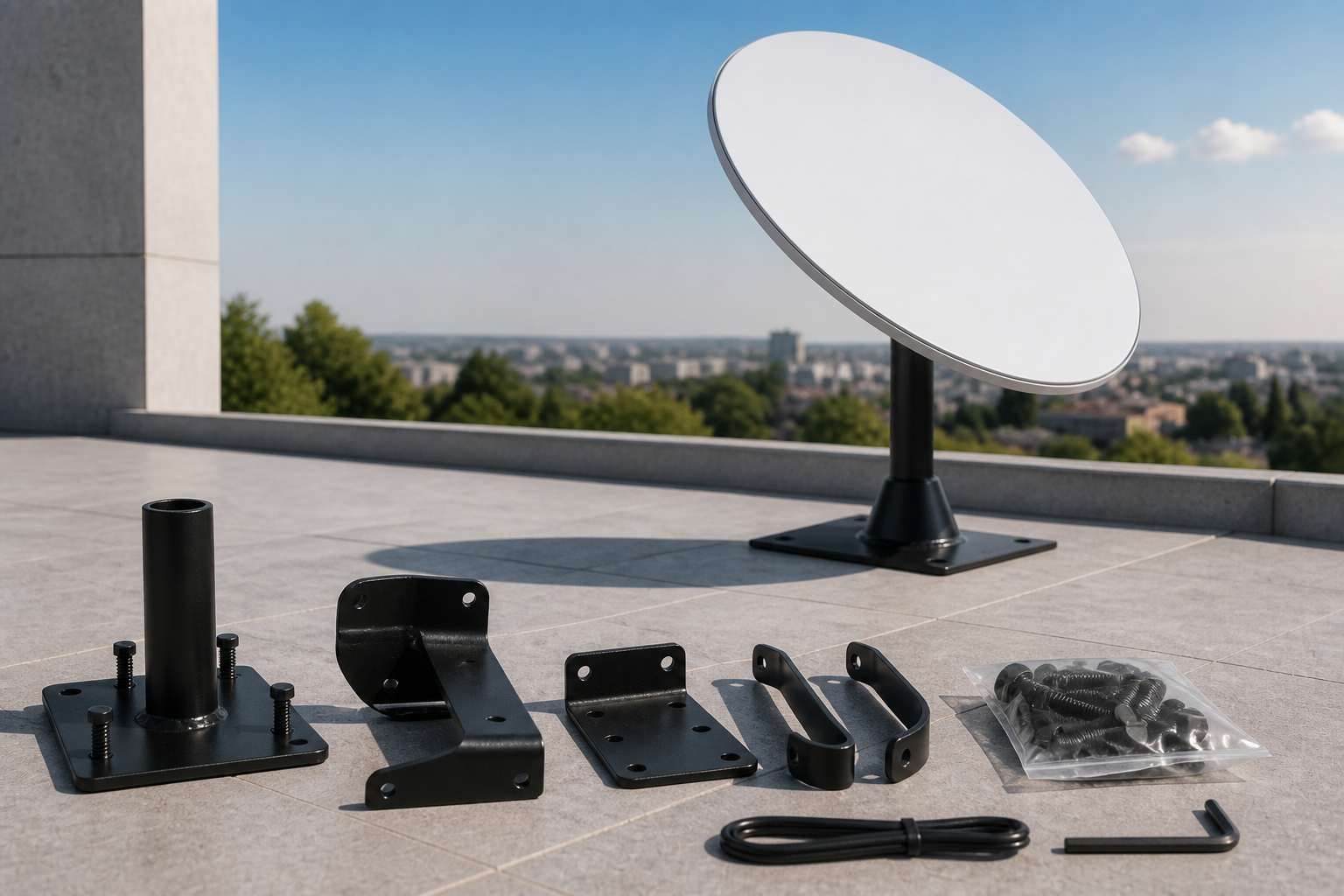
Buy Starlink roof mount
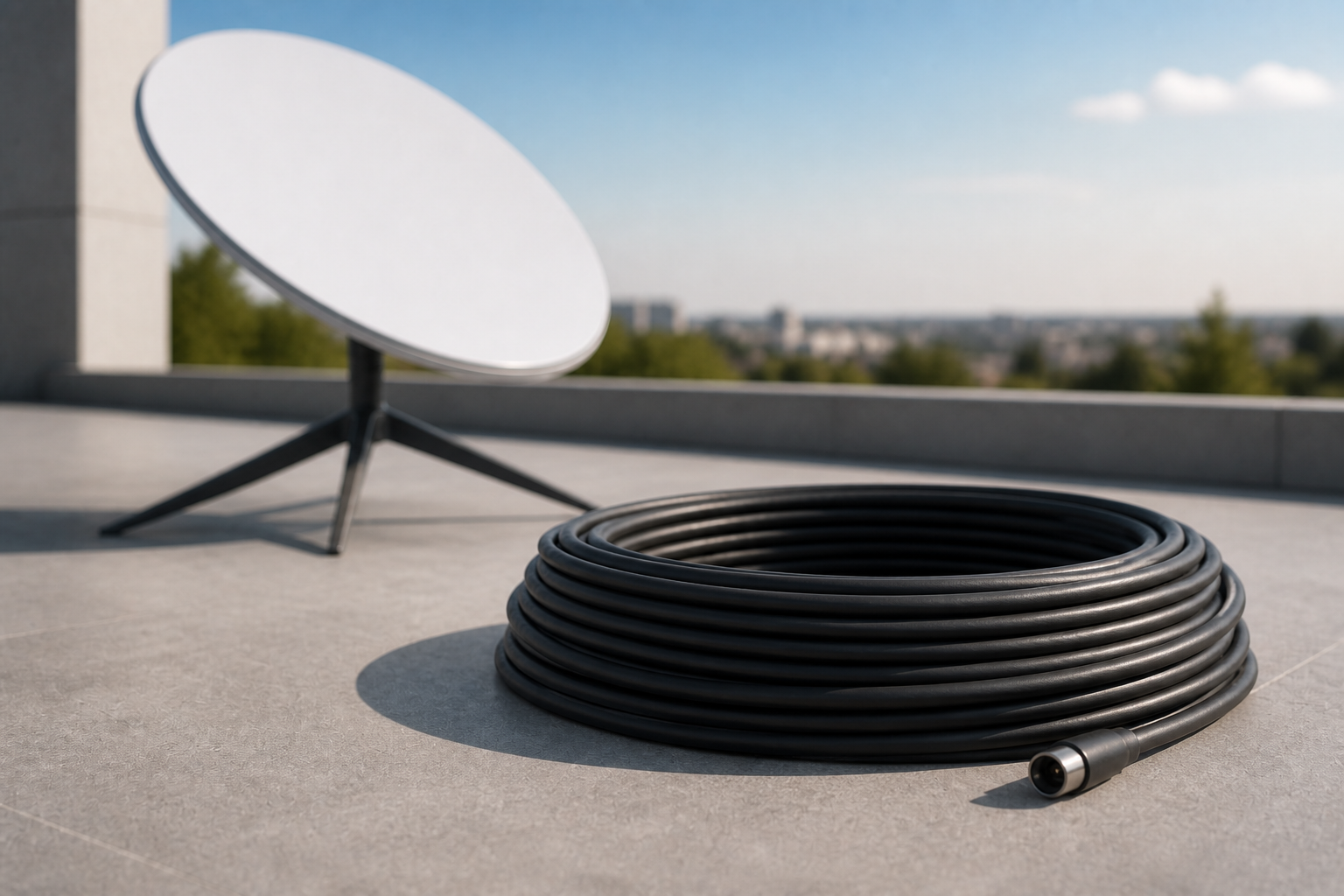
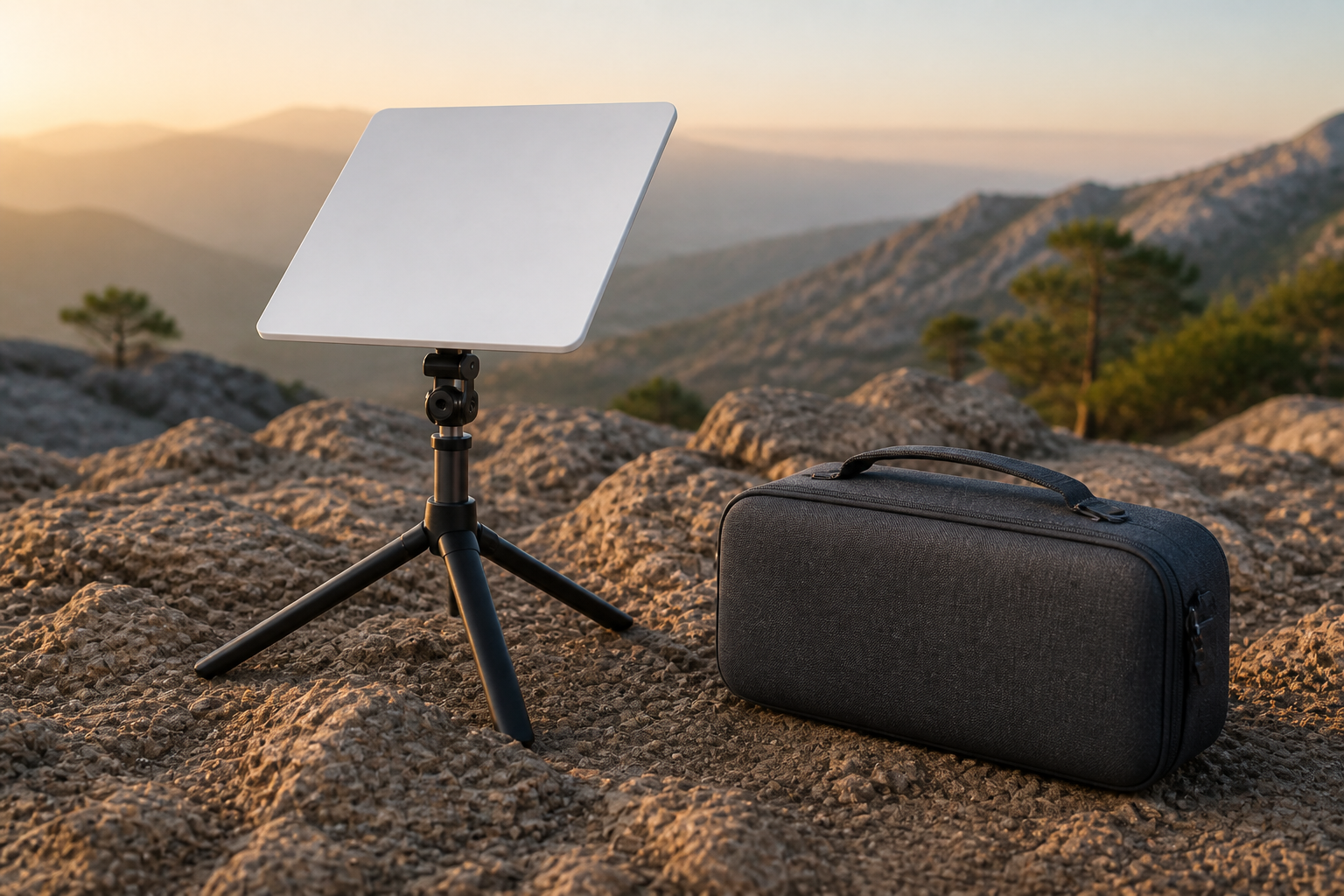
For a permanent roof install: after the app finds a clear-sky spot, fasten this mount and seat the dish so wind will not move it.
This price is for the listed item. The model, box contents, and destination are reviewed before dispatch; delivery cost and timing depend on the destination.
- ✓ Authenticity and compatibility check before dispatch
- ✓ Crypto payment with precise QR and dedicated address
- ✓ Dedicated tracking code and email status updates
Check before placing your order
Match your kit's exact generation and model to this page's compatibility section. A similar cable, mount, or router name does not mean it works with every generation.
Who it is for
A home or office with a roof suited to a fixed install, when the in-box mount is not enough.
Key details
- Permanent, weather-resistant install
- For Standard home kits
- After choosing the spot with the app’s AR tool
Capabilities
- Fixed install that holds in wind and rain
- Replaces a temporary in-box stand on some kits
What's in the Box
- ✓ Roof-mount parts and fasteners
Install & setup — step by step
Follow these steps to install and connect this accessory.
- Use the Starlink app to pick a spot with a clear sky view.
- Fasten the mount to the roof structure per the guide (seal any holes).
- Seat the dish, route the cable, and power on.
- Confirm alignment and online status in the app.
How to mount and start Starlink
Choose a walkthrough below, then follow the steps for your kit: open sky, secure the mount, connect cable and power, and finish in the Starlink app.
Service configuration & activation
See how this works with a compatible kit and plan.
The mount does not include internet service. Activate the kit with fixed Residential service.
Frequently asked questions
- I have a pitched roof. Is this enough?
- For steep pitch or heavy snow, an Actuated kit or motorized mount is a better fit.
- Do you have official installers?
- We do not run an official installer network. Most customers self-install; support will guide you.